

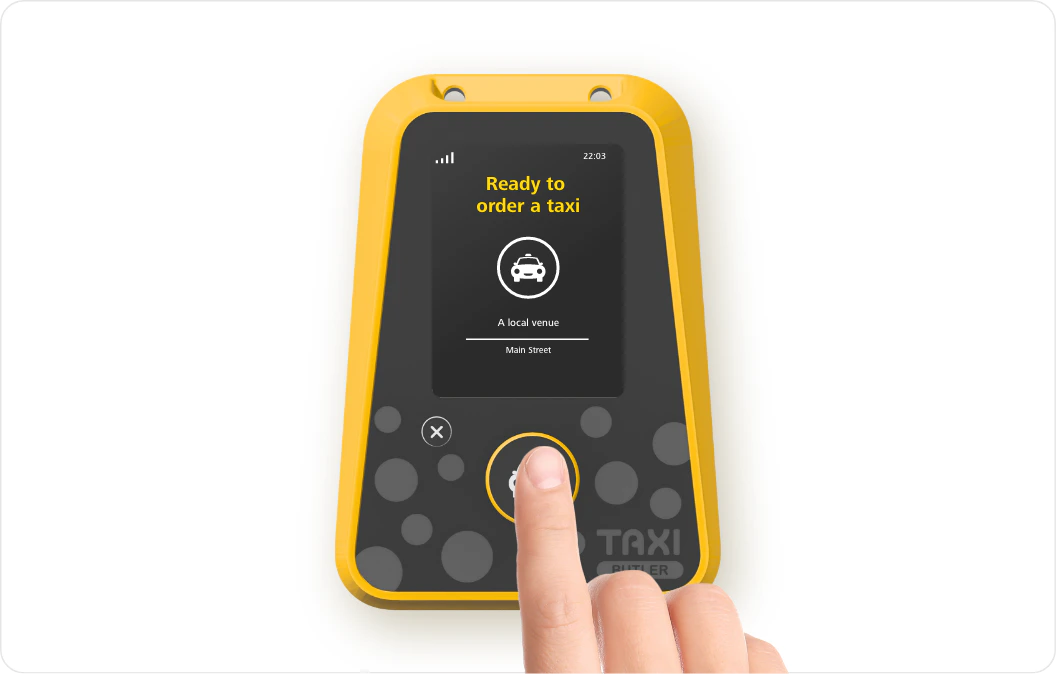
1
Unbox your Taxi Butler ONE
Unbox your device and ensure it has all of its accessories like the power cable and adapter.
2
Log in to the Taxi Butler PORTAL
3
Create a new venue
You should start by creating a new venue in the PORTAL. Venues are the locations in which you’ll deploy your devices.
4
Configure the Taxi Butler ONE
If you like, you can configure a secondary booking mode for your Taxi Butler ONE for this venue.
5
Link the Taxi Butler ONE to the venue
Link the Taxi Butler ONE to the venue and load the device configuration onto the device.
6
Deploy your Taxi Butler ONE!
Physically deploy your devices in your nearby venues and start automating your bookings!