

Documentation Index
Fetch the complete documentation index at: https://docs.taxibutler.com/llms.txt
Use this file to discover all available pages before exploring further.
Logging in to the PORTAL
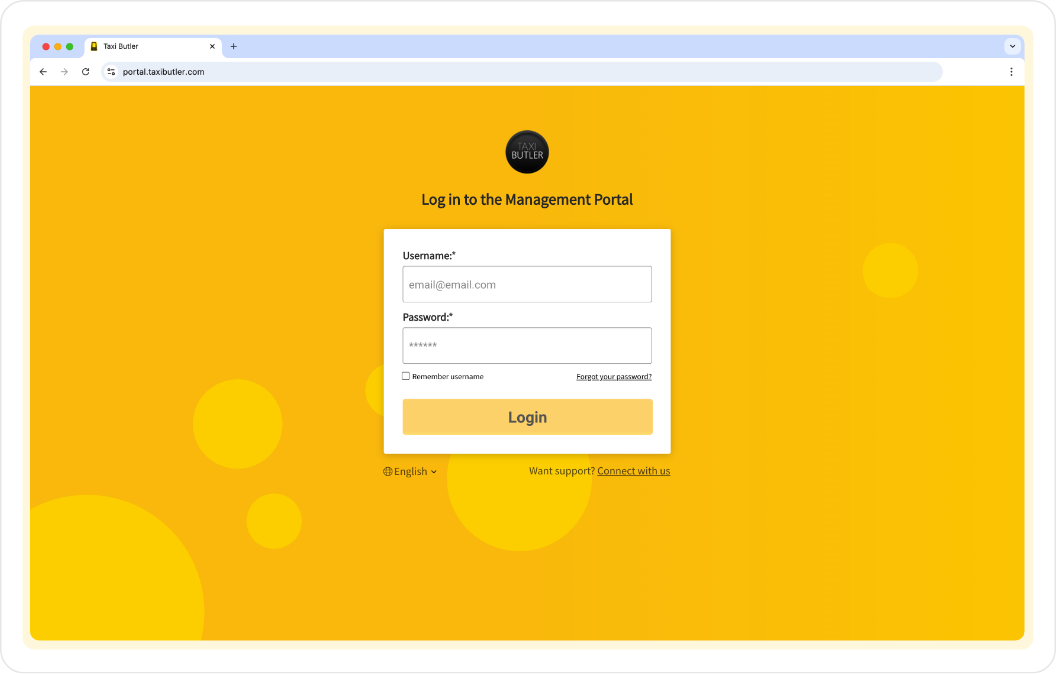
Go to the Taxi Butler PORTAL
Log in using your credentials
During your onboarding, you’ll have received your login credentials to access the PORTAL. Enter your email address and password then click on “Log in”.Lost your credentials or didn’t receive them? Email support for help. Start using the PORTAL
Start using the PORTAL, set up your company and add venues & devices.
Navigating the PORTAL
Top navigation
Company dropdown
If you have access to multiple companies in your PORTAL account, you’ll see a dropdown field next to the Taxi Butler logo to switch between companies you have access to.
Share feedback
The “Share feedback” button lets you share any feedback, comments or suggestions you may have.
Profile
The “Profile” icon, found in the top-right, can be used to manage your profile and account.
Main navigation
The main yellow navigation bar provides easy access to the dashboard, venues, statistics, bookings, company settings, billing information, and other useful information.